Once you’ve got the plugin installed you’ll find a new menu option in the WordPress admin menu under Tools > Search Regex.
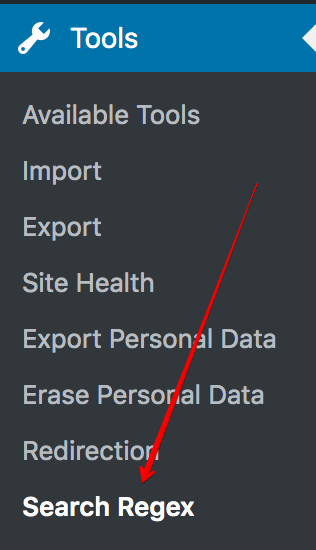
Selecting this will open the Search Regex admin interface. At the top of the page is a submenu where you can navigate to different parts of Search Regex. This is known as the top menu.

You can change the current page by clicking on any of the menu options.
Simple & Advanced Mode
The plugin has two modes of operation: simple & advanced. You can switch between them using the dropdown at the top of the page:
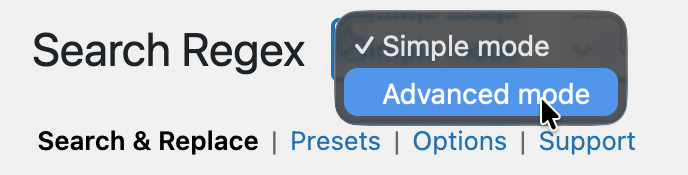
Simple mode provides a standard text search and replace. You can search for text across posts and pages, and replace it.
Advanced mode contains all other functionality provided by the plugin.